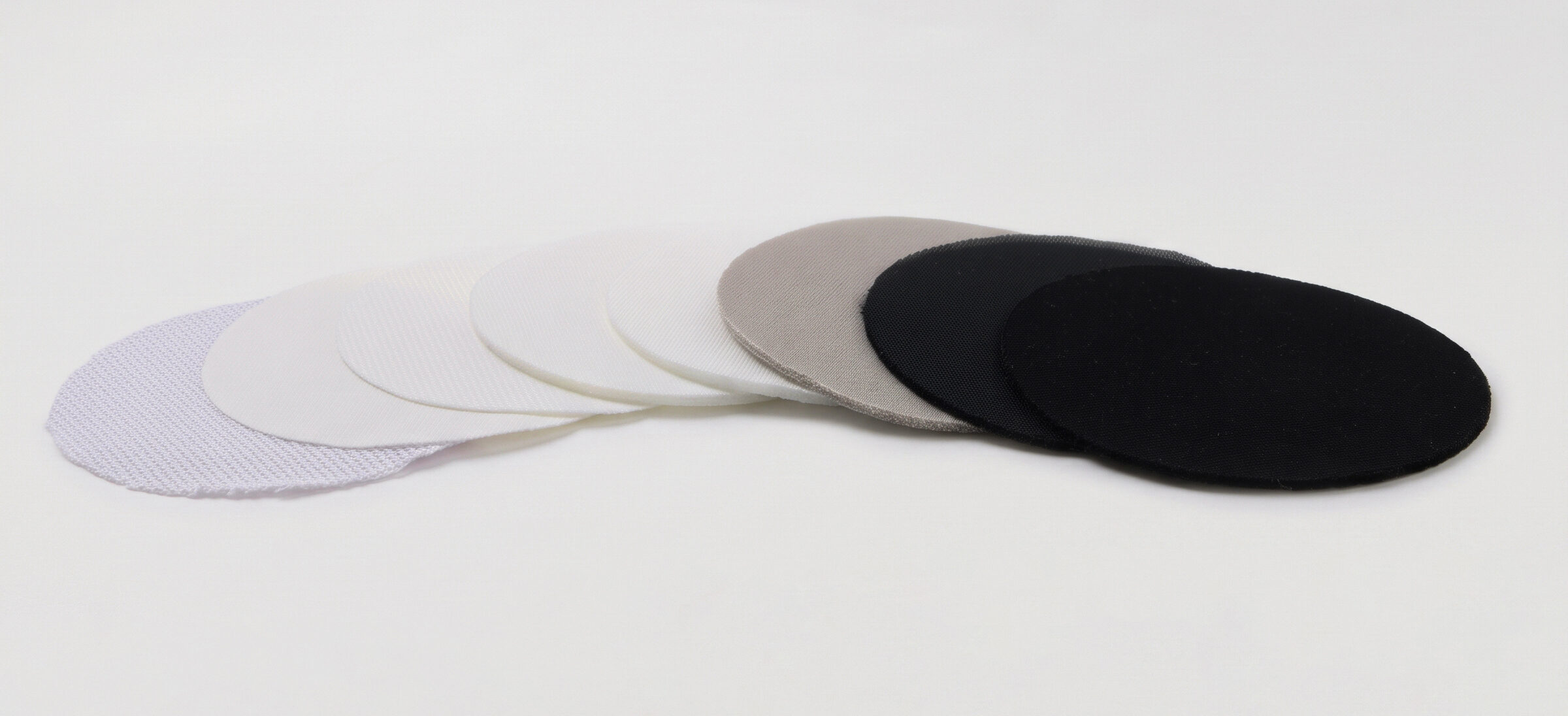
Your golf impact screen samples have arrived. You now have two or three fabric swatches to compare—but what should you check before choosing a material?
At ZFY, we discuss your needs and preferences before sending samples. We also share photos or videos of each fabric’s front, back, and details. Based on that conversation, we usually send two or three A4-sized swatches that interest you.
These small samples help you compare the actual materials. However, they cannot answer every question about a full-size installation.
This guide explains how to record your preferences, and what to confirm before ordering fabric.
1. Match Your Golf Impact Screen Samples to Their Specifications
First, match each swatch to its model number and the information from your sales contact. Keep the labels beside the fabrics throughout your review.
Similar-looking materials can become difficult to identify once you move them around. Therefore, include the model labels whenever you take comparison photos.
Align with Pre-Shipment Media: Compare the physical fabric with the video clips and macro photos sent by your sales rep. Confirming these visual markers ensures you are inspecting the exact batch and weave style discussed.
If your package includes black enclosure fabric, review it separately from the front screen materials. These fabrics serve different roles, so a single ranking would offer little value.
2. Compare Appearance, Structure, and Feel
Place the swatches side by side under the same light. Use a consistent background and keep the viewing angle similar.
Appearance and Structure
Start with color, surface texture, and visible construction. Then, compare the front, back, and cut edge of each sample.
Surface Texture and Optical Appearance: Examine the tightness of the face weave. A uniform, compact micro-aperture structure delivers sharper projection definition and prevents visible pixel distortion. If you requested both white and grey options, observe how each reflects ambient room light.
Tactile Density and Core Resilience: Compress each swatch between your thumb and forefinger. High-tenacity 3D spacer fabrics feature dense vertical monofilament yarns that bounce back instantly without leaving a permanent crease.
Flexibility and Handling: Gently flex the fabric along both the warp and weft directions. The material should feel pliable yet dimensionally stable, indicating reliable handling during your automated cutting or roll-handling processes.
Identify the Strike Face vs. Back Layer: For 3D air mesh materials, identify the front and reverse sides. The strike face features a tighter micro-aperture knit designed for projection, while the back features an open structural mesh that manages airflow and core stability.
Feel and Flexibility
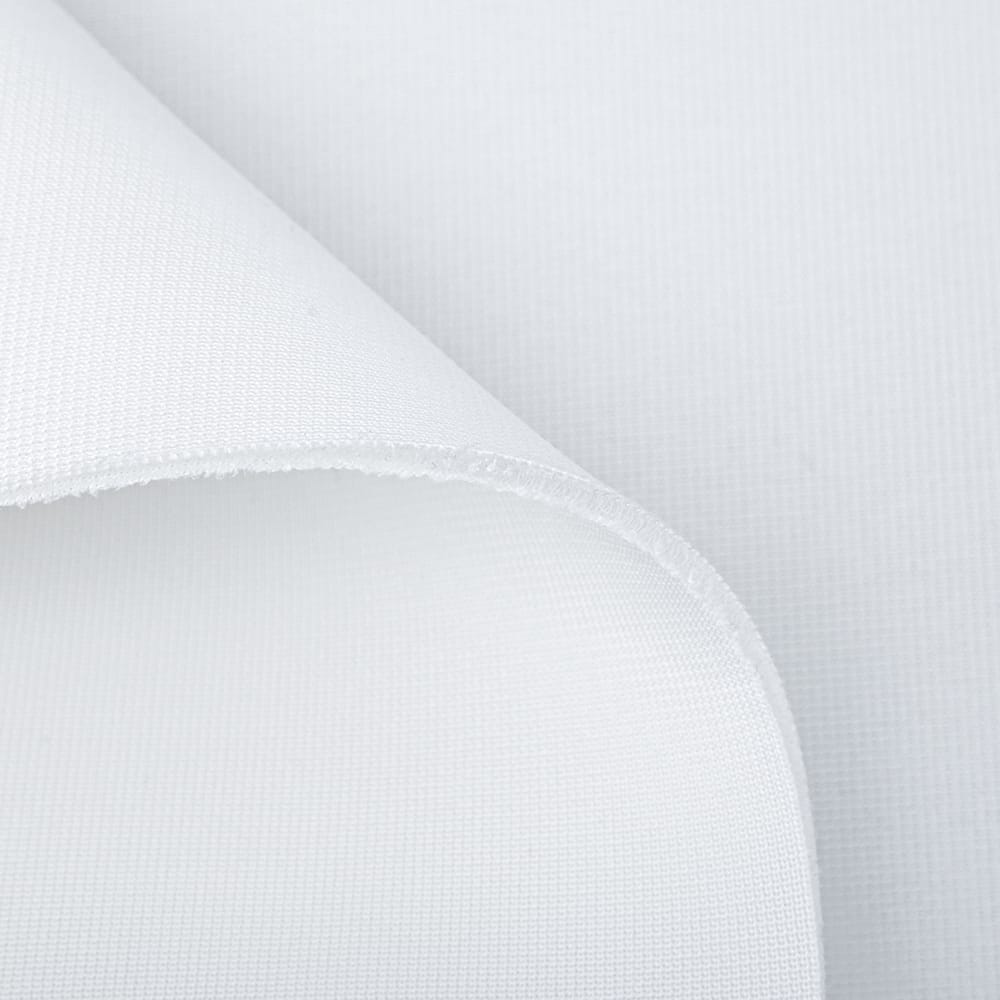
Next, touch the surface and gently bend each swatch. You can also place the samples beside fabric you currently use. This gives your supplier a clearer reference for the qualities you want to retain or change.
Describe your observations in plain terms. For instance, “Sample A feels softer, while Sample B feels firmer” gives your sales contact something specific to discuss.
Match Observations to the Specification Sheet
Finally, connect your observations with the supplied specifications. Confirm the model, weight, thickness, available width, and relevant fabric version.
If the figures seem inconsistent with your impression, ask about the measurement method. Avoid choosing a material solely because it feels thicker or heavier.
Instead, consider whether its specifications and physical qualities fit your project.
3. Record Your Preferences Before Choosing a Fabric
After comparing the swatches, make a short record. You do not need to assign a technical score to every feature.
Instead, identify your preferred model, explain why, and list any unanswered questions.
| Review item | Sample A | Sample B | Sample C |
|---|---|---|---|
| Model number | |||
| Color and surface observations | |||
| Front, back, and structure | |||
| Feel and flexibility | |||
| Matching specification sheet | |||
| Reasons for your preference | |||
| Questions for the supplier |
For example, your note could say:
“I prefer Sample B’s gray shade and surface texture. Before ordering, I want to confirm its available width and review any relevant projection footage.”
As a result, your supplier can address a clear selection question rather than guess what you mean by “better quality.”
4. Understand What an A4 Swatch Cannot Establish
Golf impact screen samples help you narrow your material choices. They also let you inspect details that photos may not fully convey.
However, a small swatch does not reproduce the conditions of a complete screen. Use the following distinctions when planning your review.
| Performance question | Information to request |
|---|---|
| Full-screen projection quality | Footage or evaluation details that identify the fabric, projector, lighting, and setup. |
| Ball rebound | Relevant demonstrations or records with clear mounting and hitting conditions. |
| Impact sound | Comparisons that explain the installation and recording conditions. |
| Long-term durability | Test records or use feedback with conditions and limitations. |
| Flame resistance | The relevant model’s test report and its stated scope. |
5. Confirm the Fabric Order Details
Once you select a preferred model, send your sales contact both the choice and the reason behind it.
Next, confirm the practical details of your fabric purchase:
- Model number and color.
- Required fabric width.
- Expected quantity.
- Flame-retardant version, if required.
- Packaging requirements.
- Current quotation and delivery schedule.
- Specifications or test documents you need.
Share Your Sample Review with ZFY
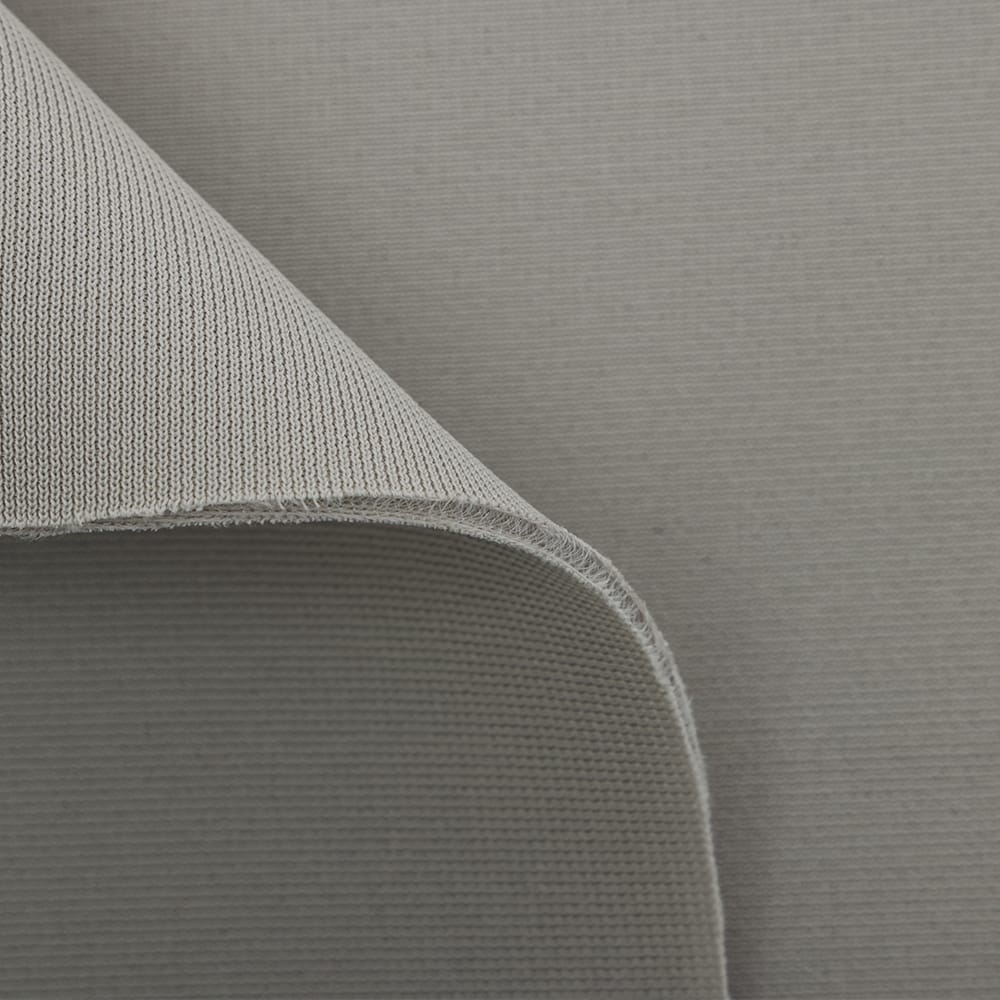
Use your golf impact screen samples to build a clear shortlist. Compare the materials, record your preferences, and identify the questions that still matter.
Still choosing which fabrics to review? Explore our golf impact screen fabric range, or contact ZFY to discuss your needs and sample preferences.